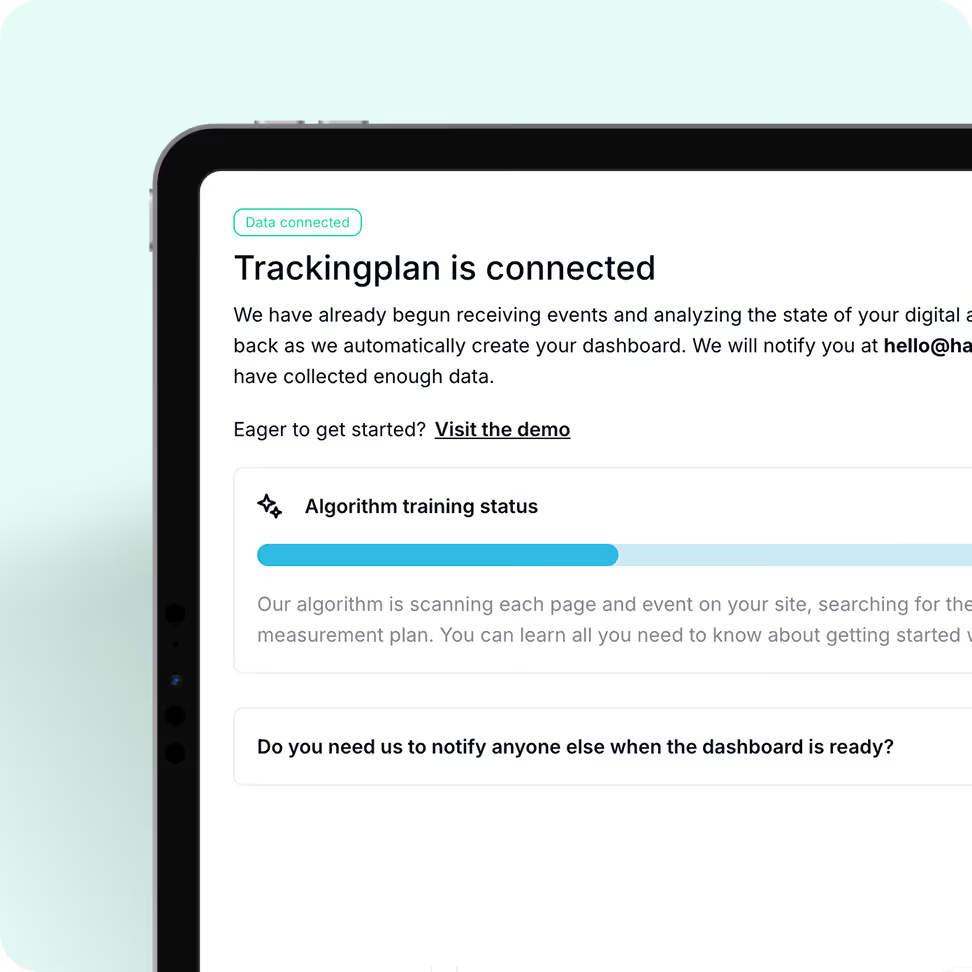




Just copy & paste a simple snippet on your Tag Manager or site.


As soon as it’s installed, Trackingplan starts listening to your real user traffic to understand exactly how your tracking works – identifying patterns, detecting anomalies, and automatically mapping all events, properties, and destinations across tools – without manual input needed.


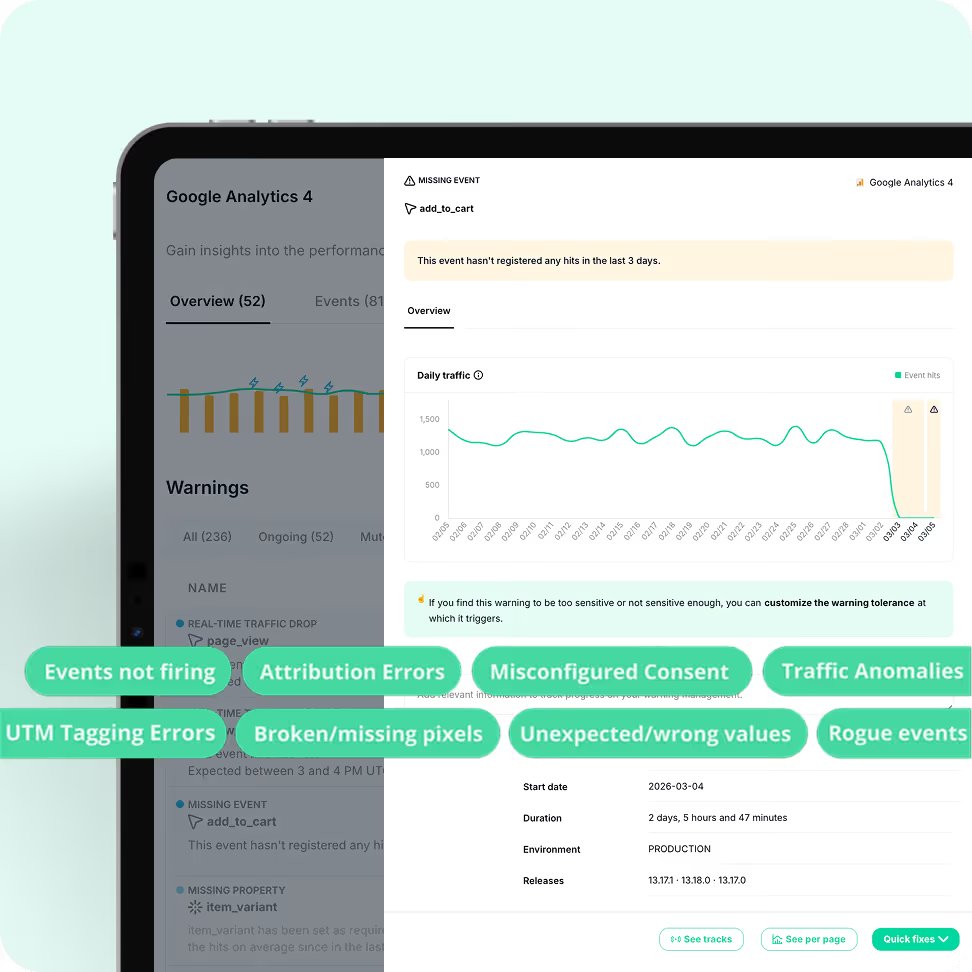
With continuous 24/7 monitoring, Trackingplan watches your analytics around the clock, spotting changes and issues the moment they happen — be it a front-end update, a tag change, a pixel that went offline, or anything else.




Now we can proactively detect issues before they become real problems, because Trackingplan gives us a foundational layer of control.

Monitor events, SDKs, and tracking behavior across iOS, Android, and backend traffic — with the same visibility and alerts you have on web.

Let AI guide you straight to the root cause. Identify what changed, why it broke, and how to fix it without wasting hours on manual debugging.

Validate consent, cookies, and CMP compliance, ensuring events fire only after proper opt-in to avoid privacy risks.

Ensure your paid media campaigns deliver results by detecting tracking issues, attribution gaps, and broken pixels before they impact ROI.

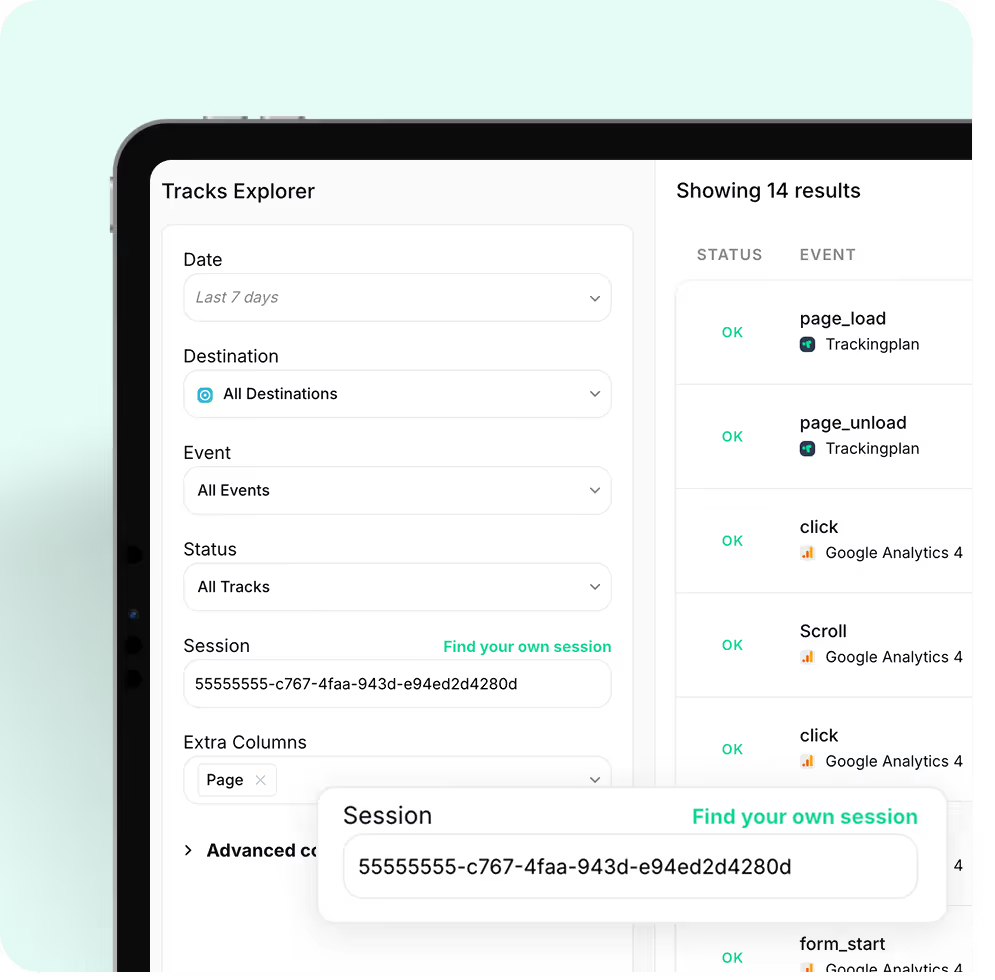
Explore real user sessions, events, and payloads in real-time — including scenarios and edge cases that are impossible to reproduce manually.
Trackingplan starts monitoring your data in real time immediately after installation — no lengthy setup, no code changes to your existing tracking. Depending on your traffic volume, your dashboard can be ready in as little as one hour. For lower-traffic sites, it may take up to a week. You will receive an email notification as soon as enough data has been collected and your dashboard is ready.
Not at all. Trackingplan is designed to have a minimal impact on your site. Our lightweight tag, only 10kb in size, has no significant effect on page load times. Additionally, our SDKs are optimized to ensure that your app's performance remains unaffected.The Trackingplan tag loads asynchronously with the page content, responding in less than 500ms.
This means that it won't slow down your site's loading speed. Furthermore, once the configuration is stored in the browser cache, it won't be reloaded during subsequent page views for a period of 24 hours.With Trackingplan, you can gather the data you need without compromising the visitor experience or your site's performance.
Trackingplan automatically detects and alerts you about missing or dropped events, unexpected traffic drops or spikes, property type mismatches (e.g. a string where a number is expected), naming convention violations in events and UTMs, broken pixels (Meta, TikTok, Google Ads), consent and PII leaks, schema changes introduced by third-party tools, and regressions between releases. All monitoring runs continuously 24/7 in the background, with no manual checks required.
Moreover, Trackingplan's Digests will notify your team with all you need to know about the state of your data at the beginning of your work day so that you can work on what you do best instead of having to find those errors by yourself.
When Trackingplan detects an anomaly, its AI debugging engine analyzes the affected events, properties, and context to automatically pinpoint the root cause. Instead of a generic alert, you get a structured diagnosis: a plain-language summary of the issue, the most likely root cause hypothesis, recommended actions to fix it, and the conditions under which it occurs - with sample hits to reproduce the problem.
What makes this especially powerful is the Potential Impact analysis. Rather than framing issues as purely technical, Trackingplan estimates the business consequences of leaving them unresolved - such as the effect on ROAS, conversion tracking, campaign attribution, or data reliability. This makes it significantly easier to prioritize fixes and communicate their value to stakeholders, clients, or leadership.
Trackingplan is built for digital analysts, developers, and marketing teams who deal with data quality issues. If your team spends time manually auditing tracking implementations, debugging broken events, or discovering data errors after they have already affected reports or ad spend, Trackingplan automates that entire process. It detects errors in real time, so you can focus on insights, not data firefighting. You can get started for free with no credit card required.
Yes. The Growth plan includes a 14-day free trial with no credit card required. For Enterprise plans, a free Proof of Concept (PoC) period is also available so you can evaluate the solution against your specific business needs before committing.
Getting started with Trackingplan takes three simple steps:
1. Create a free account to generate your Trackingplan snippet. Install it via Google Tag Manager, by adding a lightweight code snippet to your site's head section, or via iOS and Android SDKs for apps — no code changes to your existing tracking required.
2. Trackingplan automatically starts discovering and documenting all analytics traffic sent to your integrations. No manual configuration needed.
3. Once your dashboard is ready, explore all events, pixels, UTMs, and campaigns automatically discovered. Invite your team, customize your alerts, and start resolving the issues Trackingplan has already spotted.